



When a customer calls, know what was agreed.
Everything is in one place, so you don’t have to search through emails and messages when a customer rings. As you do the job, add notes and pictures to build a complete portfolio of the work.
“Can you just…” is still work.
An extra room. Another fitting. A change of plan.
Small extras add up and are often not billed, or come as a shock to the customer if they weren’t properly agreed.
Record the change in Kwilo and request customer approval. Approved extras carry through as separate lines when you create the invoice from the job.
The details behind the name.
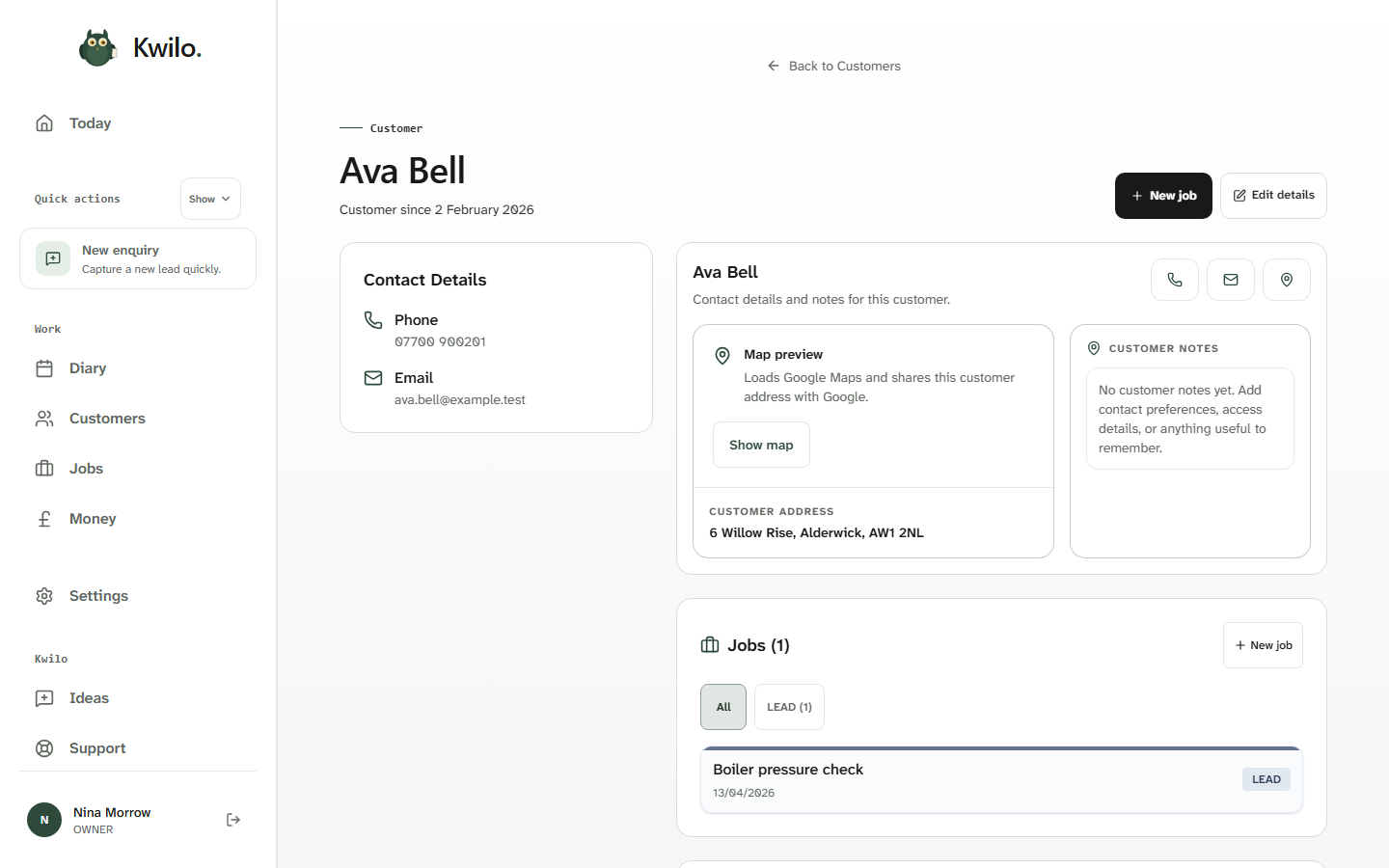
In this heating-business example, Ava Bell’s contact details, address and notes sit beside her boiler pressure job. Open the job from her record when she asks about the work.
Keep track of where every job is up to.
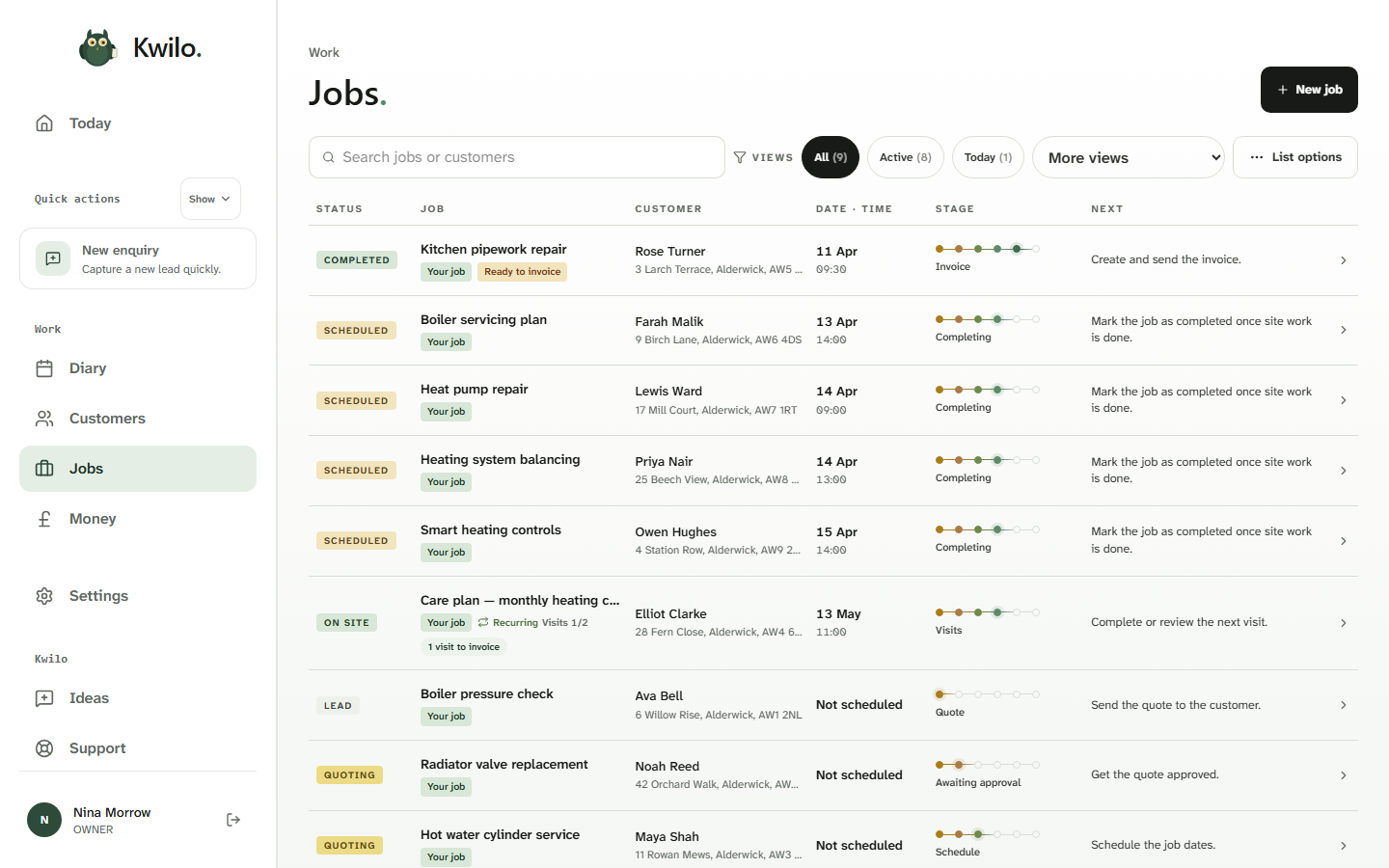
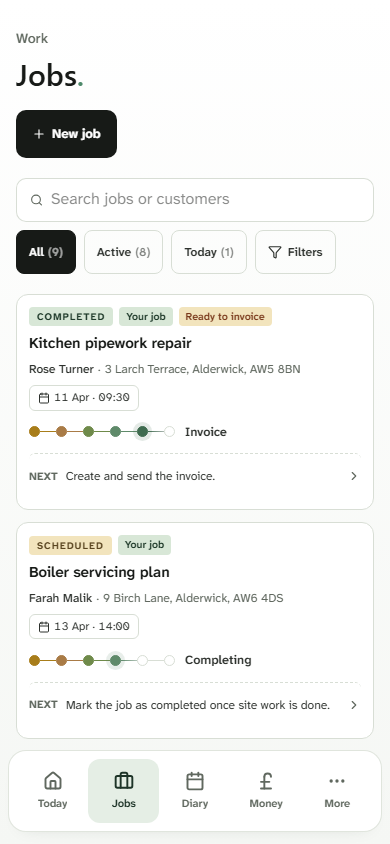
Search or filter the jobs list to find the work you need. The customer, date, stage and next action sit together, so you can check progress without opening every job.
See the jobs list on desktop and mobile
Follow one job all the way to payment.
The walkthrough follows Ava’s job through the quote, visit and invoice. Or take a closer look at the diary.